
crickex casino apps with free spins bundle two separate questions into one search: what the app does, and where the spins come from. The operator's site at crickex2027.com is the place to check current terms before you install anything or claim an offer. This reference walks through the app itself and then the practical business of locating spin promotions inside it.
Contents
Understanding crickex casino apps with free spins
Start by separating the two halves of that phrase. The app is a delivery channel; free spins are a promotional mechanic that may or may not appear inside it.
An app can exist without carrying spins, and spins can be advertised on a website without being replicated in the app. Treat any assumption that the two always travel together as unverified until you read the current promotion page and the app's own offer screen.
The app's job is to give you a logged-in view of your account: balance, game library, transaction history, and whatever promotional section the operator maintains. Whether spins are surfaced there, and how prominently, is a design decision that can change between versions.
Your practical check is simple: sign in, look for a promotions or rewards area, and confirm whether spin offers are listed for your account. If nothing appears, that is information, not a fault.
Free spins in an app context usually attach to specific games rather than to the whole library. That means the spin balance is often tied to a named title, and the app may show the spins only when you open that title.
Do not assume a spin counter on the home screen reflects everything available to you. Open the eligible game and check whether a spin balance or offer prompt appears there before concluding you have none.
Account status matters more than app version in most cases. Eligibility for a spin promotion typically depends on registration details, verification state, and whether you have already claimed that particular offer.
Two people on the same app build can see different promotion screens for entirely legitimate reasons. If you expect spins and see none, review your account profile and any messages from the operator before troubleshooting the software.
Finally, keep your expectations about the app modest. It is a convenience layer over an account, not a guarantee of rewards.
Anything you read about spins inside an app should be checked against the operator's current written terms, because promotional mechanics are the part of a casino product most likely to change without notice. Read the terms first, then judge the app against them.
Finding Free Spins in Casino Apps
Begin with the app's own navigation rather than with outside claims. Look for a promotions, offers, rewards, or bonus section, and check whether it distinguishes between offers available to you and offers you have already used.
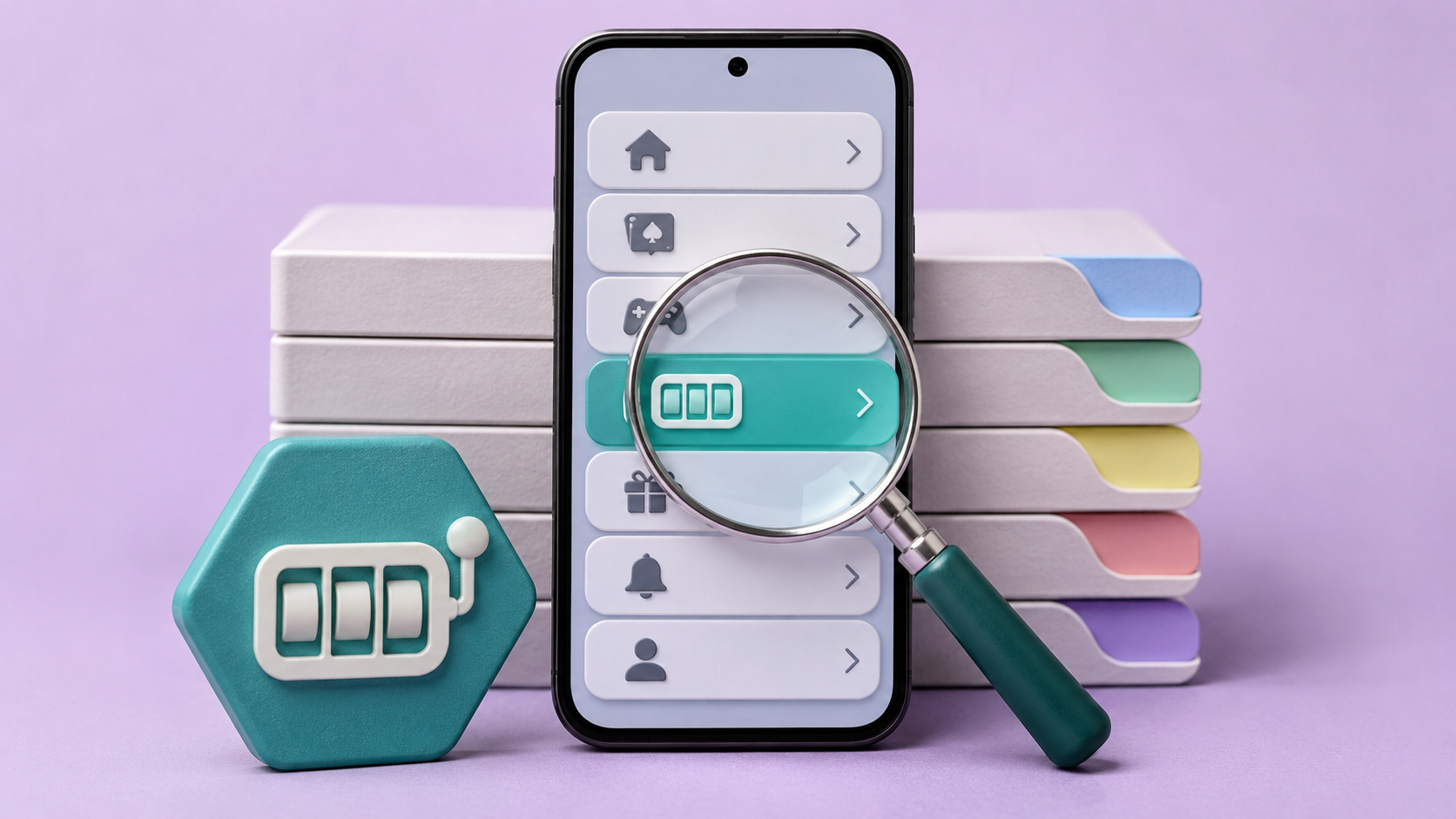
A well-built app makes that distinction visible; a sparse one may not. Note what you actually see on screen, because that is the only reliable starting point for deciding whether a spin offer exists for your account.
Read the promotion text attached to any spin offer before you interact with it. The relevant details are which games qualify, whether the spins are credited automatically or need a claim action, and what happens to winnings from them.
Apps sometimes summarise an offer in a tile and keep the binding conditions behind a link. The summary is marketing; the linked terms are what govern. If the app gives you no route to the full terms, treat the offer as unconfirmed.
Watch for the difference between a welcome-style spin bundle and ongoing or targeted offers. The first is usually tied to a first registration or first deposit event, while the second may appear in your account based on activity or a promotion the operator is running.
The app may present both in the same list, which can make an old, already-claimed offer look available. Check the status label on each item rather than assuming a visible tile means an unclaimed reward.
Notifications deserve scepticism. An in-app message or push alert about spins is a prompt to go and read the terms, not proof that you qualify. Open the promotion inside the app, confirm the eligibility conditions against your own account, and only then decide whether to act.
If a notification and the promotion page disagree, the page and the operator's written terms carry more weight than the alert that sent you there.
Keep a simple record of what you find: which offers appeared, which you claimed, and what the terms said about expiry and eligible games. That record is useful when a spin balance seems wrong or an offer disappears, and it keeps you from relying on memory.
Where any detail about availability, eligibility, or reward handling is unclear, confirm it against the operator's current terms before you spend time chasing the offer further.
Checking the App Source and Device Requirements
Begin with the source itself. Before you install anything promising crickex casino apps with free spins, confirm where the download or web app is actually hosted. Use the operator's official website or a store listing that clearly names the operator as publisher.
Avoid third-party mirrors, forwarded messages, and shortened links, which are common delivery routes for lookalike software. Check that the page describes the app's function, support route, and version history rather than only a promotional banner. Where a listing shows a publisher name, compare it with the operator's own branding and current terms pages.
Next, check the device requirements against your own hardware. Look for stated operating system ranges, storage needs, and whether the app is native, a progressive web app, or a browser shortcut. Confirm that your phone or tablet still receives system security updates, since older systems may be unsupported even when the app installs.
Check available storage before downloading, and note whether updates arrive automatically or must be installed manually. Where requirements are unclear or missing from the official page, treat that as a reason to pause rather than guess.
Permissions deserve a careful read. A casino app needs little beyond network access and basic storage; requests for contacts, messages, or unrelated device controls should prompt questions. Review the permission list in your device settings after installation and disable anything the app does not need.
On Android, confirm whether installation from outside the main store is intended and adjust settings only for that single source. On iOS, check the developer name shown in the store and whether the listing links back to the operator's official support pages.
Account security matters as much as the download. Set a strong, unique password, enable any available two-factor option, and avoid signing in over public Wi-Fi without protection. Verify the app's login page uses a secure connection and that the operator's name appears consistently.
Keep your device's screen lock active and install system updates promptly. If the app asks for payment details before you can view basic account information, stop and check the operator's current terms and support channels directly.
Finally, keep a record. Note the download date, source, version number, and the support contact shown inside the app. If the app behaves unexpectedly, such as redirecting to unrelated pages or requesting new permissions after an update, uninstall it and reinstall only from the verified source.
Review current terms where app availability, device support, or eligibility needs confirmation, since these details change. Treat the source and device checks as routine maintenance rather than a one-time task.
Matching Free Spins to Eligible Titles
Free spins rarely apply across an entire game library. Once you are inside a verified app, open the promotion's terms and look for the named eligible titles or a defined category of games.

Check whether the spins work only on a specific slot, a group of slots from one provider, or a rotating selection. Confirm that the game appears in your app's catalogue and that its version matches the one named in the terms. If the promotion lists no titles at all, ask support before playing.
Read how the spins are credited. Some promotions add spins directly to a chosen game, while others issue a voucher or bonus balance you must convert. Check whether you select the game yourself or whether the operator assigns it.
Confirm the spin value and whether it is fixed or varies by game, and note whether winnings from spins land in a bonus balance rather than withdrawable cash. Where the mechanism is unclear, treat the promotion as unconfirmed and verify with current terms.
Check that eligibility follows the game, not just the account. A title may be excluded for players in certain regions, for accounts created through particular routes, or during maintenance windows.
Confirm the game is not marked as restricted, and check whether the promotion excludes games with certain features or volatility profiles. If a title disappears from the catalogue after you claim spins, note the date and contact support rather than assuming the spins are lost.
Understand how play on eligible titles counts. Some promotions require you to wager the spins on the named game only, while others allow winnings to be played elsewhere under separate conditions.
Check whether the spins expire if unused and whether the eligible title changes during the promotion period. Keep a simple record of which game you used and when, so any query about missing spins can be answered with specifics. Avoid switching titles mid-promotion unless the terms clearly allow it.
Finally, verify before you rely on any single title. Promotions change, catalogues update, and game versions differ between regions. Use the app's help section or live support to confirm the current eligible list, and check the operator's terms for the definitions that apply to your account.
If a game you expected is missing, ask whether it was removed or never included. Matching spins to titles is a check you repeat each time, not an assumption you carry forward.
Reviewing Spin Expiry and Reward Restrictions
Once a spin offer appears in your account, the clock starts working against you in ways that are easy to overlook. Expiry periods can be counted from the moment of activation, from the moment of credit, or from a fixed calendar date chosen by the operator, and the difference matters when you plan a session.
Open the promotion terms and note precisely when the countdown begins rather than assuming it starts when you first open the app. If the wording is ambiguous, treat the earlier interpretation as the safer one and use the spins sooner rather than later.
Reward restrictions deserve the same scrutiny as expiry dates. Many offers attach conditions such as a minimum deposit, a wagering requirement on spin winnings, a cap on how much a single spin can return, or a ceiling on total winnings convertible from the promotion.
Some spins work only on designated games, and others exclude particular bet levels. Read these conditions before you play, because discovering a cap after a win is frustrating and usually irreversible. Where a term is unclear, check the current promotion page or ask support for written clarification.
Time zone handling is another practical trap. Expiry timestamps may be shown in the operator's server time rather than your local time, so a bonus that looks valid until late evening could lapse hours earlier than you expect.
Compare the displayed time with your device clock and, if the app shows a countdown, trust that countdown over your own arithmetic. Screenshot the terms and the countdown when you activate an offer so you have a record if a dispute arises later about whether a spin was used in time.
Restrictions also govern how winnings move through your account. Spin returns may land in a bonus balance rather than your cash balance, and that balance may carry its own playthrough conditions before withdrawal becomes possible. Some operators expire bonus balances after a set period, which can erase winnings you thought were secure.
Check whether winnings from spins convert automatically, whether they remain locked until conditions are met, and whether unused spins simply disappear at expiry without compensation. These details are usually buried in the general bonus terms rather than the headline offer.
Finally, keep your own record of what you claimed and when. A simple note of the offer name, activation date, stated expiry, and any restrictions you identified will help you spot inconsistencies between what was advertised and what the app applied.
If a restriction appears that was not disclosed at the point of claim, raise it with support promptly and in writing. Operators can change future promotions freely, but the terms attached to an offer you already activated should match what you were shown, so verify against current terms whenever features or eligibility need confirmation.
Troubleshooting Free Spins in the App
When spins fail to appear, resist the urge to claim the same offer repeatedly. Duplicate claims can flag your account and complicate support requests. Instead, work through the likely causes in order. First confirm the offer was actually credited to your account rather than merely advertised on a banner.
Check your bonus or promotions history inside the app, and compare the credit time with any stated delay between qualifying and receiving spins. Some offers credit instantly, while others wait until a qualifying action settles, so a short delay is not automatically an error.
Device and session issues cause a surprising share of problems. Try closing the app completely and reopening it, since cached promotion data can hide a credit that has already happened. If the app offers a refresh or sync option in its settings, use it before concluding anything is wrong.
Switching between mobile data and Wi-Fi can also resolve stalled requests. If you use crickex casino apps with free spins across more than one device, sign out on the other device first, because session conflicts occasionally prevent bonus screens from loading correctly.
Game eligibility is the next thing to check. A spin that will not launch may simply be restricted to certain titles, and the app sometimes shows the offer without making the restriction obvious. Open the promotion details and confirm the spin is valid for the game you selected, then try a clearly eligible title instead.
Also verify that your account meets any conditions attached to the offer, such as a completed deposit or a verified profile. If a verification step is pending, complete it and allow time for the status to update before retrying.
If spins launch but behave strangely, note exactly what happens: an error message, a blank screen, a spin that deducts from your own balance, or a counter that does not decrease. This detail speeds up support enormously.
Contact support through the channel listed in the app and include your account identifier, the offer name, timestamps, and screenshots where possible. Avoid sharing passwords or one-time codes with anyone, including people claiming to represent the operator. Keep the conversation in writing so the record is clear if the issue escalates.
Persistent problems may reflect a wider outage or a promotion that has ended without the banner being removed. Check whether other features of the app work normally; if everything is slow, the issue is probably not your spins. If only the promotion fails, ask support to confirm whether the offer is still active and whether your account is eligible.
Where operator features or eligibility need verification, rely on the current terms and the operator's own support responses rather than forum posts or screenshots of older promotions. Gambling is for adults aged 18+ only. A random number generator (RNG) determines outcomes in RNG-based casino games. Wins are not guaranteed.
Independent support: Gambling Therapy.